Free Vertical Flag Banner Mockup
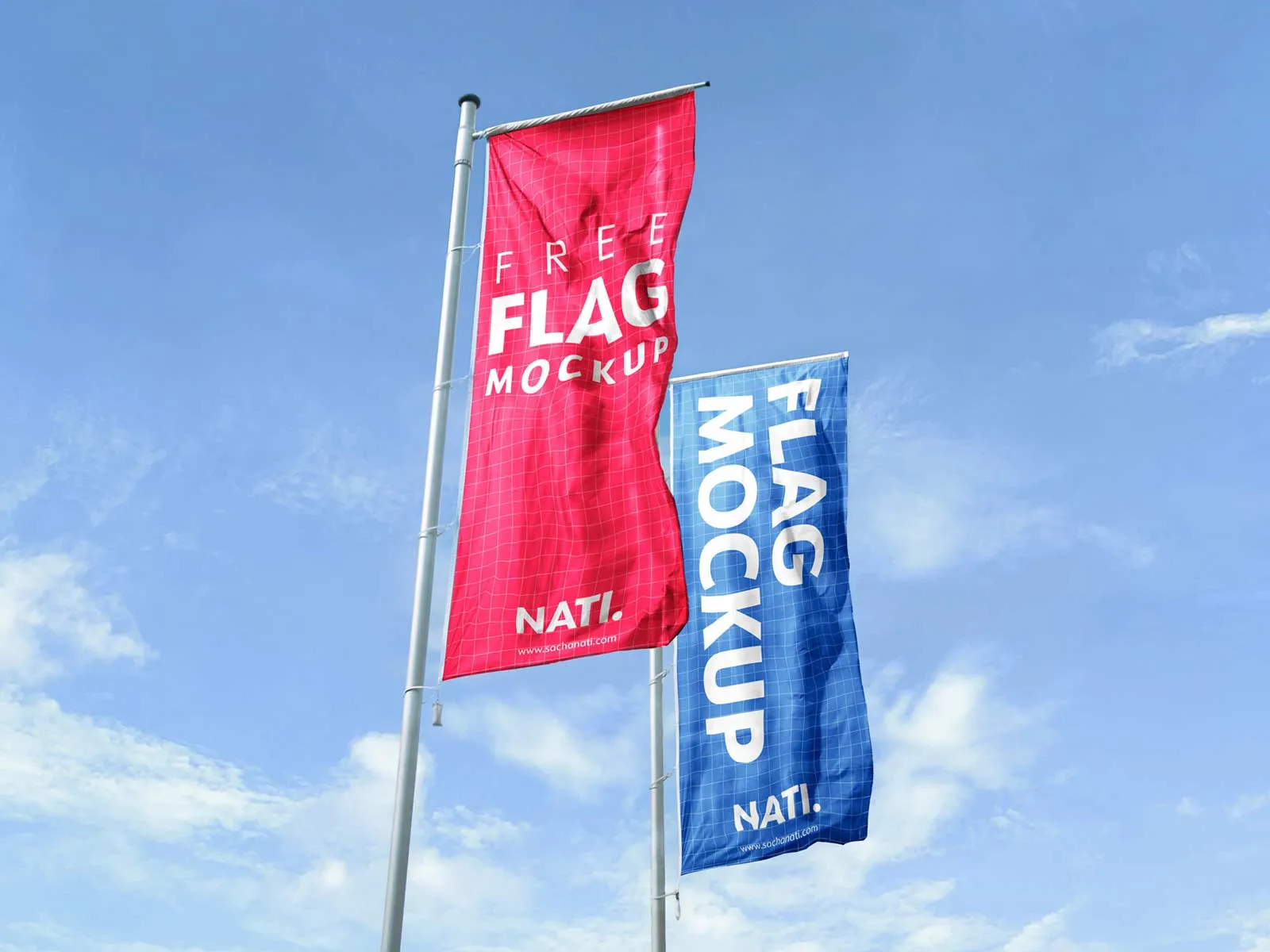
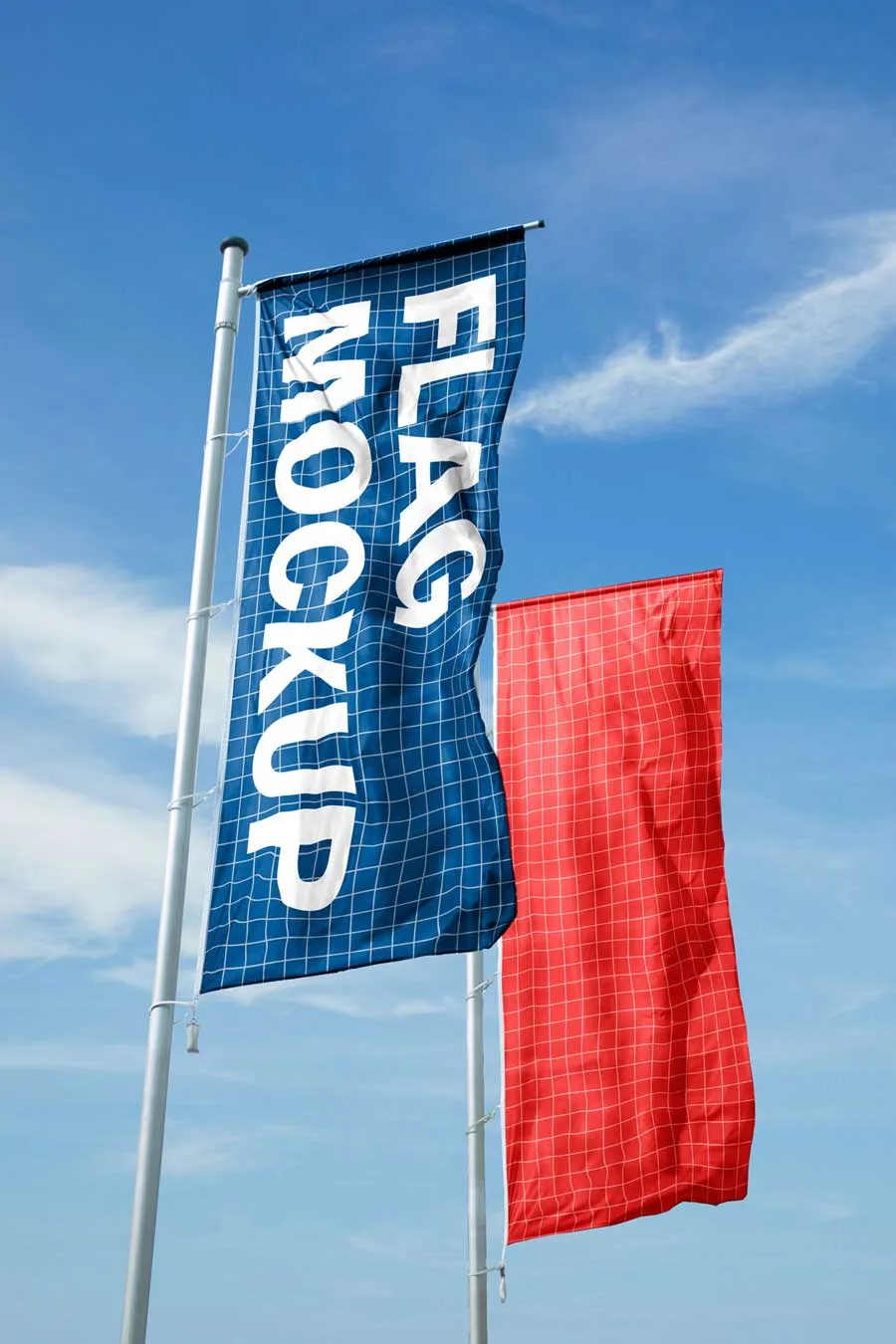
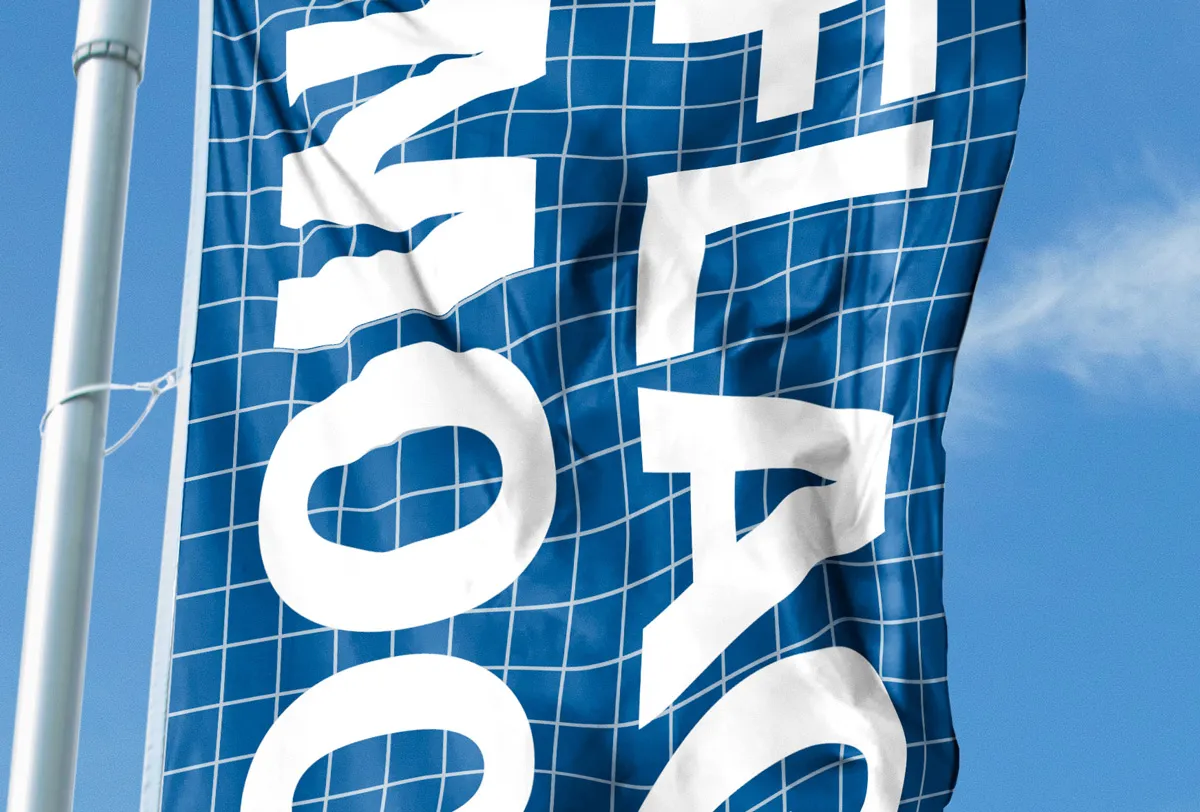
A free high resolution vertical flag or banner mockup (PSD) to present your designs professionally in a realistic environment. This template shows two flags, which can easily be replaced with individual designs.
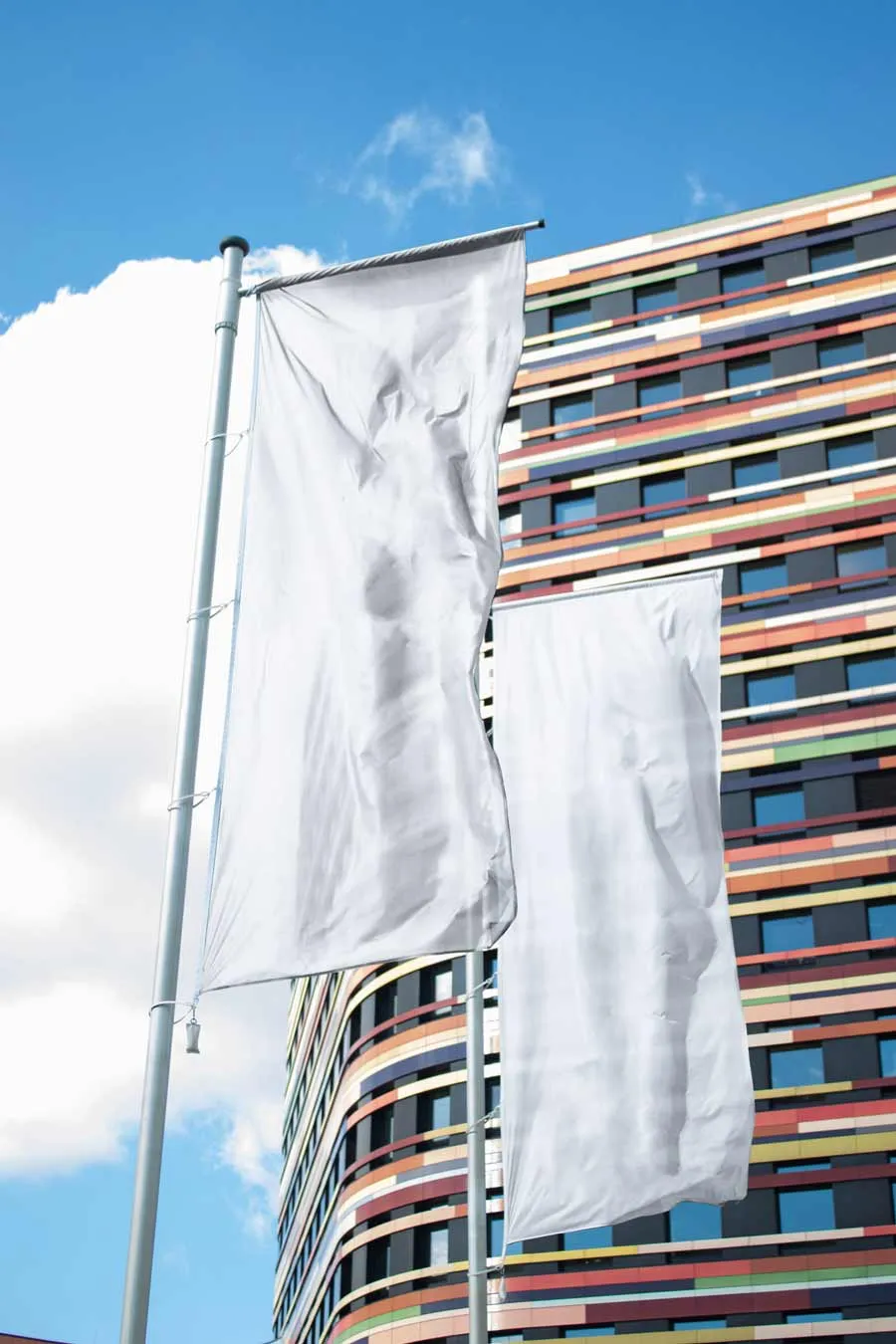
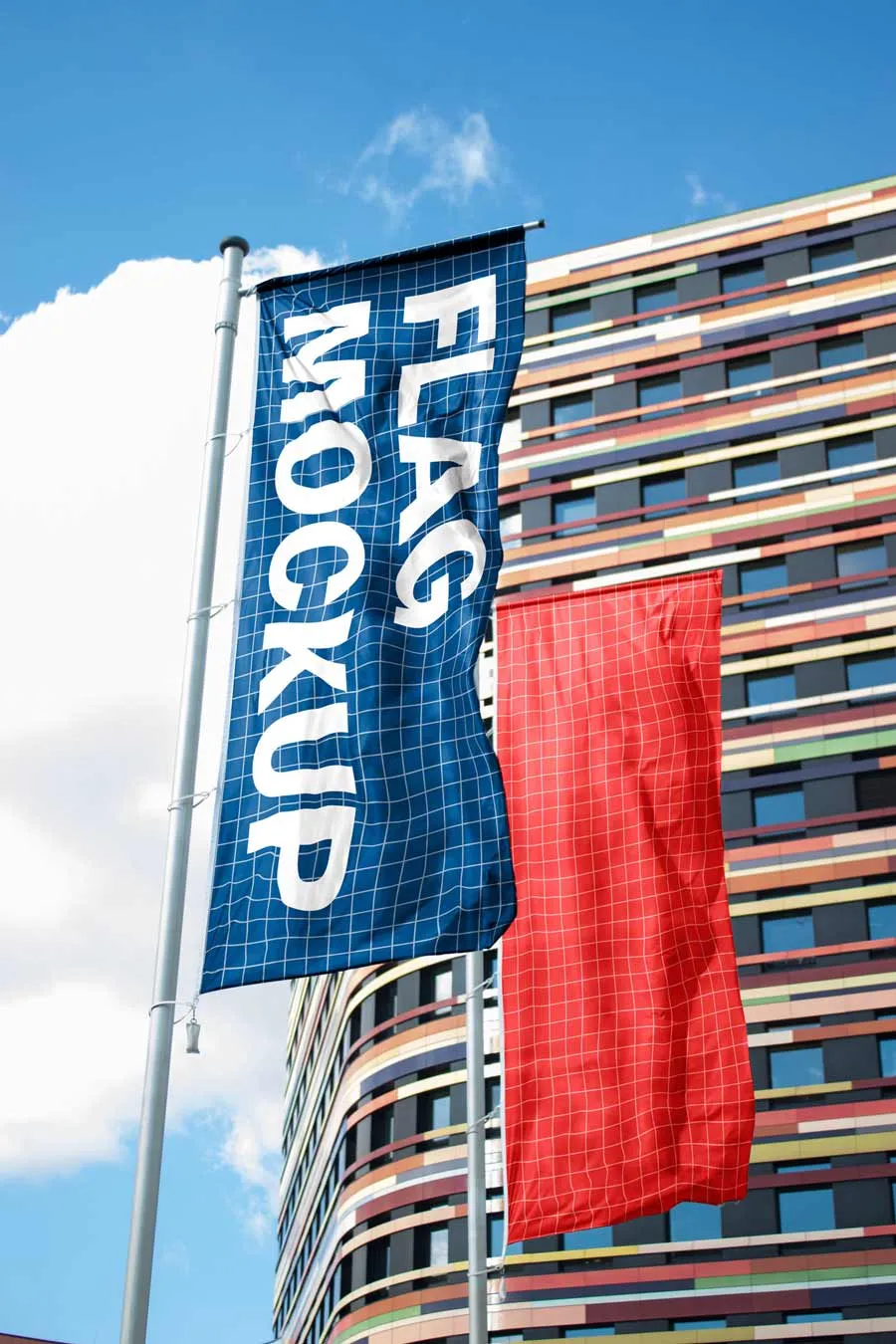
The realistic light, shadow, and wrinkles are automatically applied and give your design a very realistic look. The background can be changed between a clear blue sky and a building (IBA Wilhelmsburg, Hamburg).
Adobe Photoshop is required. Use it to display posters, advertisements, banners, billboards, or signs.
How to use
- 1
Download and open the PSD file. You will find the mockup ready to be customized. Both flags can be customized individually.
- 2
Double-click on the thumbnail image of the flag you want to edit, named [DOUBLE CLICK]. This opens the smart object. Paste your own design. Do the same for the other flag and save before closing.
- 3
Return to the initial file, where both flags should be updated. Depending on the colors you use, you may need to edit the highlights and shadows via the Levels adjustment layer and the Blend If gradient in Layer Style.
- 4
Export your image displaying your designs on two vertical flags.

Download for free
Photoshop PSD file
Free for personal, non-commercial use. Contact contact@sachanati.com for commercial licenses.
By downloading this file, you confirm that you have read and agree to the license agreement.