Free blank T-Shirt Mockup PSD
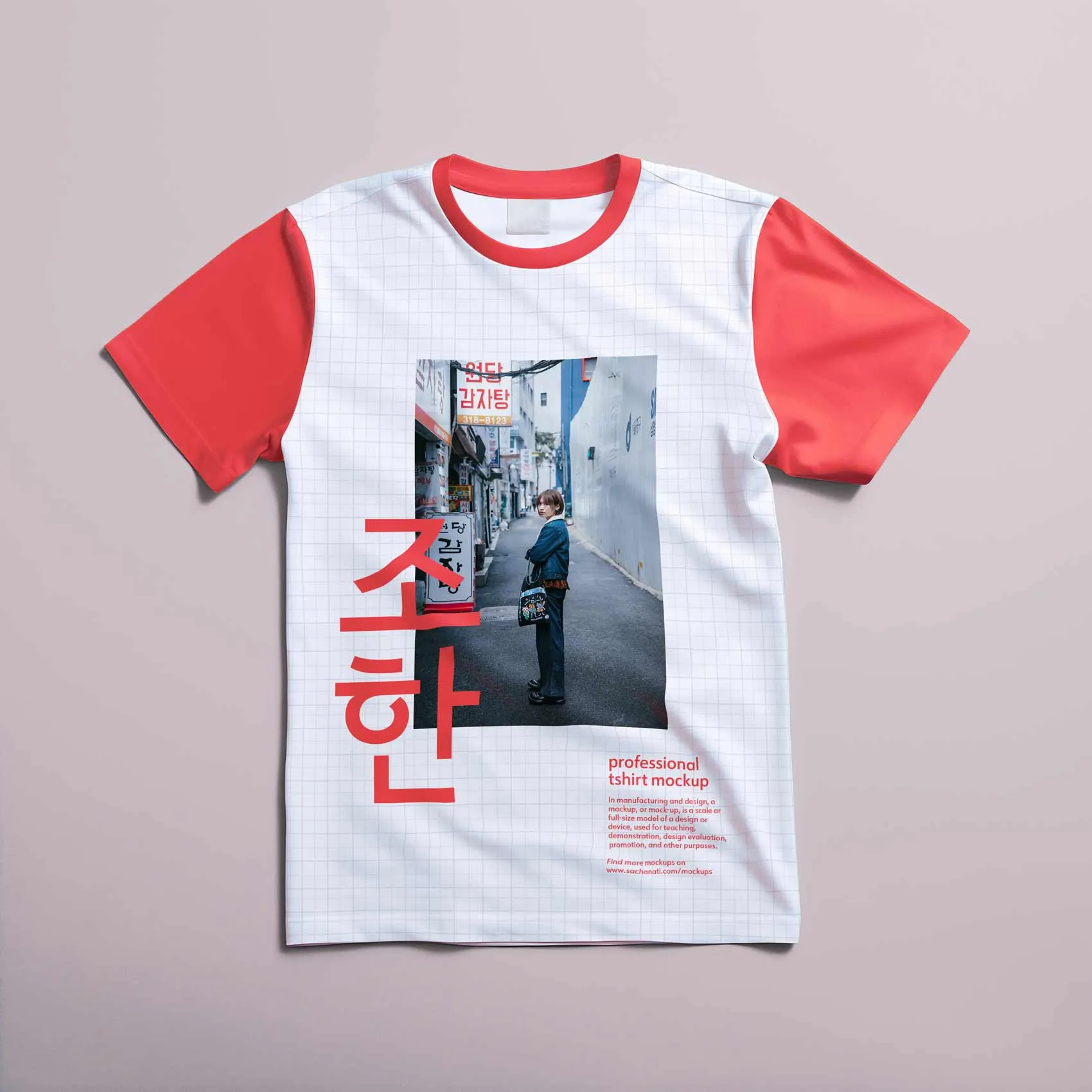
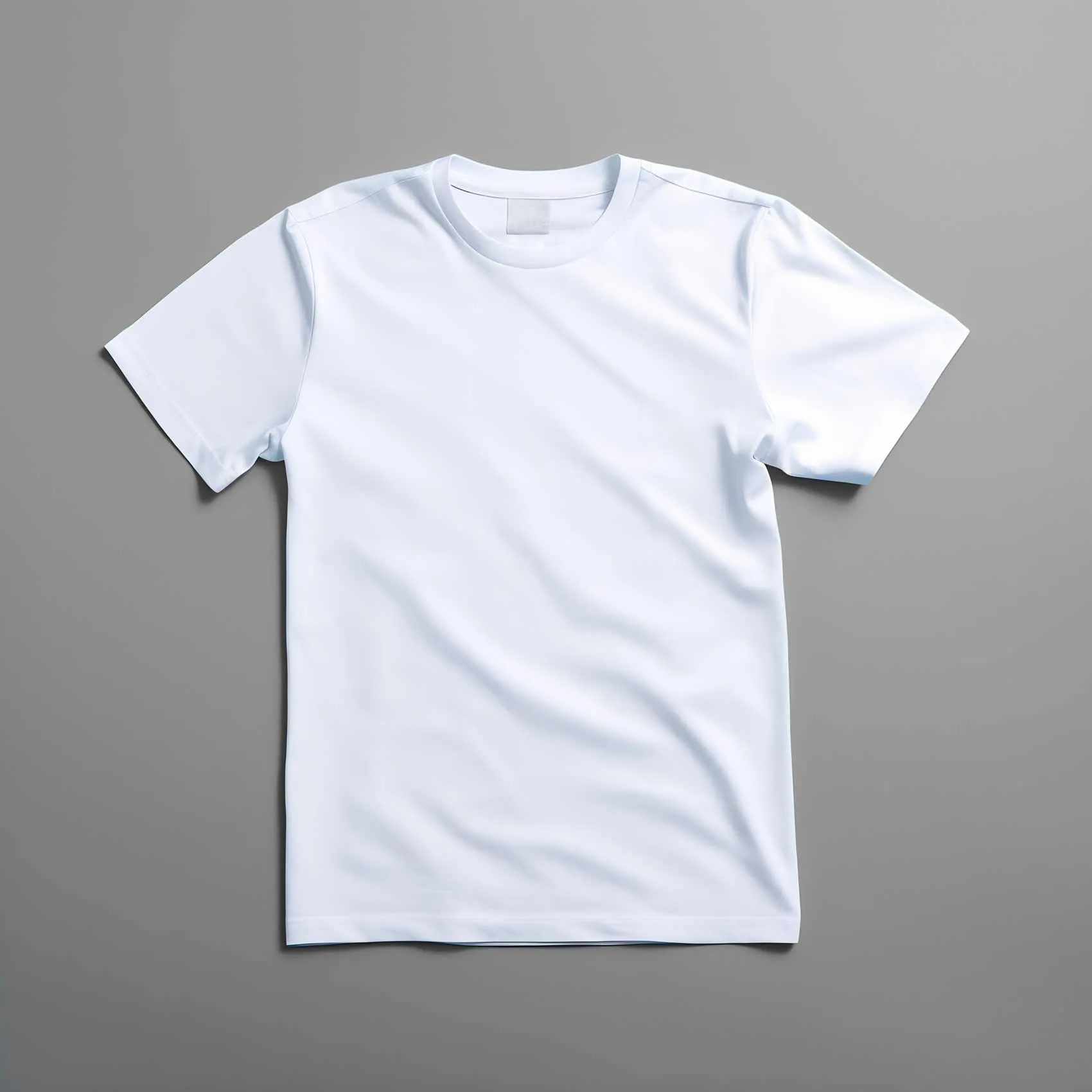
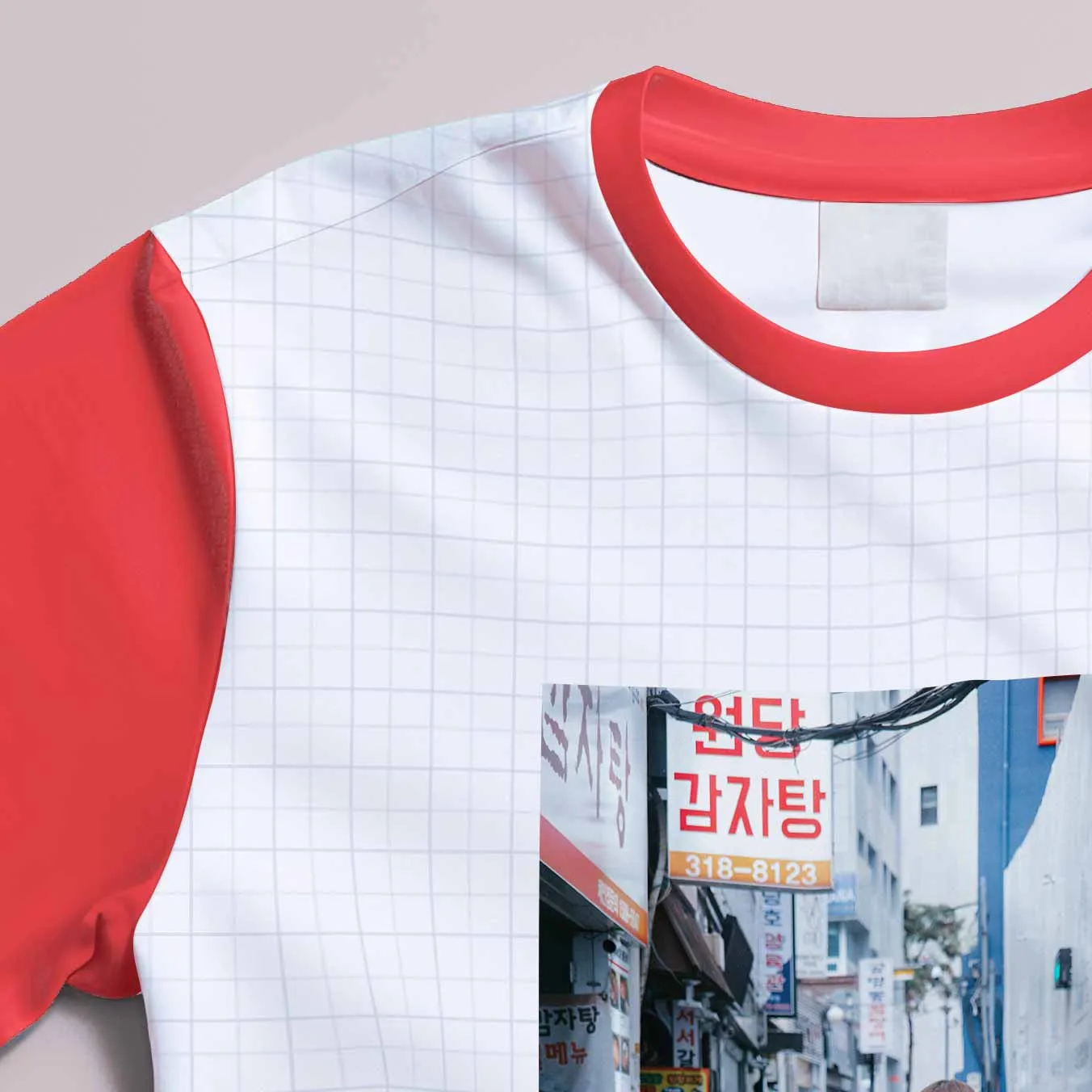
Download this free design mockup of a T-shirt lying flat on a solid background. This mockup is a high resolution PSD Photoshop file which can be fully customized.
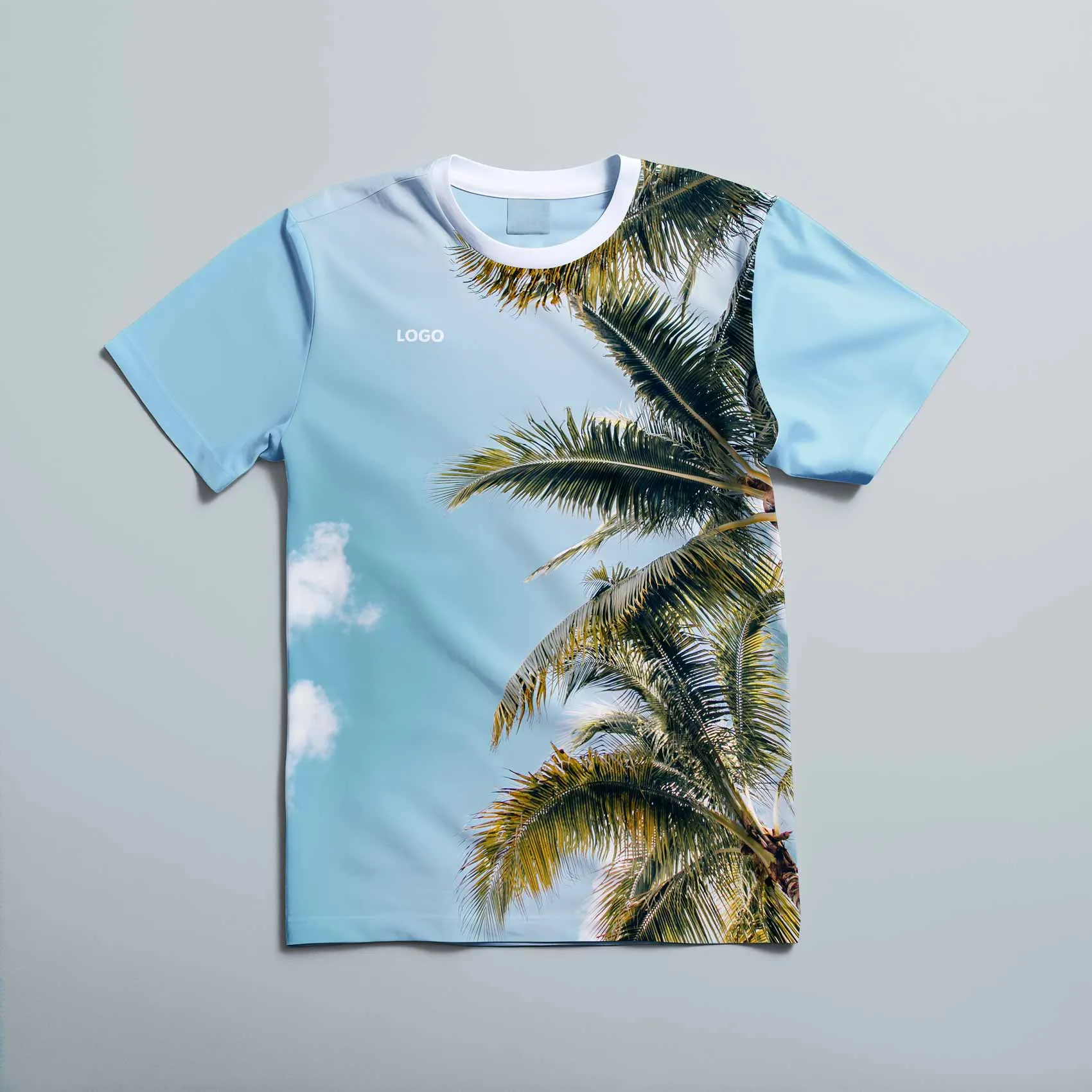
Choose a background color or remove the background for a transparent background. Choose a color for the different shirt elements — arms, collar, inside — to customize it to your design. Finally, integrate your personal design through smart objects. Realistic shadows, lighting, and 3D folds are added automatically.
Use this freebie to display fashion items, perfect for streetwear or personal fashion brands. Adobe Photoshop is required.
How to use
- 1
Download and open the PSD file. Colors are editable through the solid color layers — simply double-click the color in the layers panel and choose your preferred color. Customize the background, arms, collar, inside or whole shirt.
- 2
Double-click on the thumbnail image of the layer named "Place your design here (Double click to edit)". This opens the smart object in a new file. Drag and drop your design into the file and save.
- 3
Return to the initial file, where all designs should be updated. Export your custom T-shirt mockup.
Fully customizable
Add your personal fashion design, customize any color you want and export the image. Smart objects and structured layers make it easy to add your images.
High details
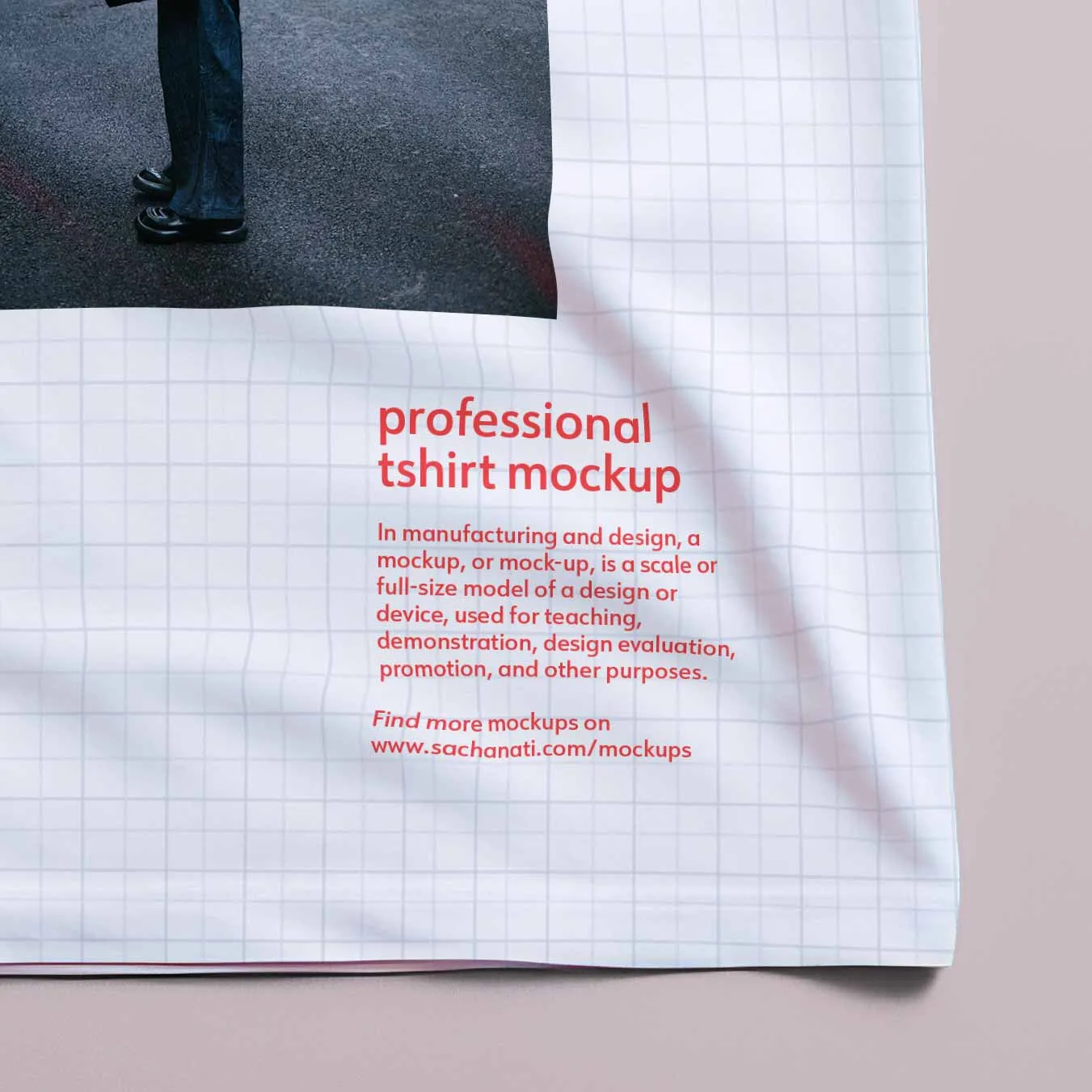
This mockup has a really high resolution (4K). This allows you to create realistic close-up shots of your design. Smart objects and realistic wrap projection around the fabric give your design a very realistic look.
Download for free
Photoshop PSD file
Free for personal, non-commercial use. Contact contact@sachanati.com for commercial licenses.
By downloading this file, you confirm that you have read and agree to the license agreement.