Free Instagram Profile on iPhone 14 Mockup
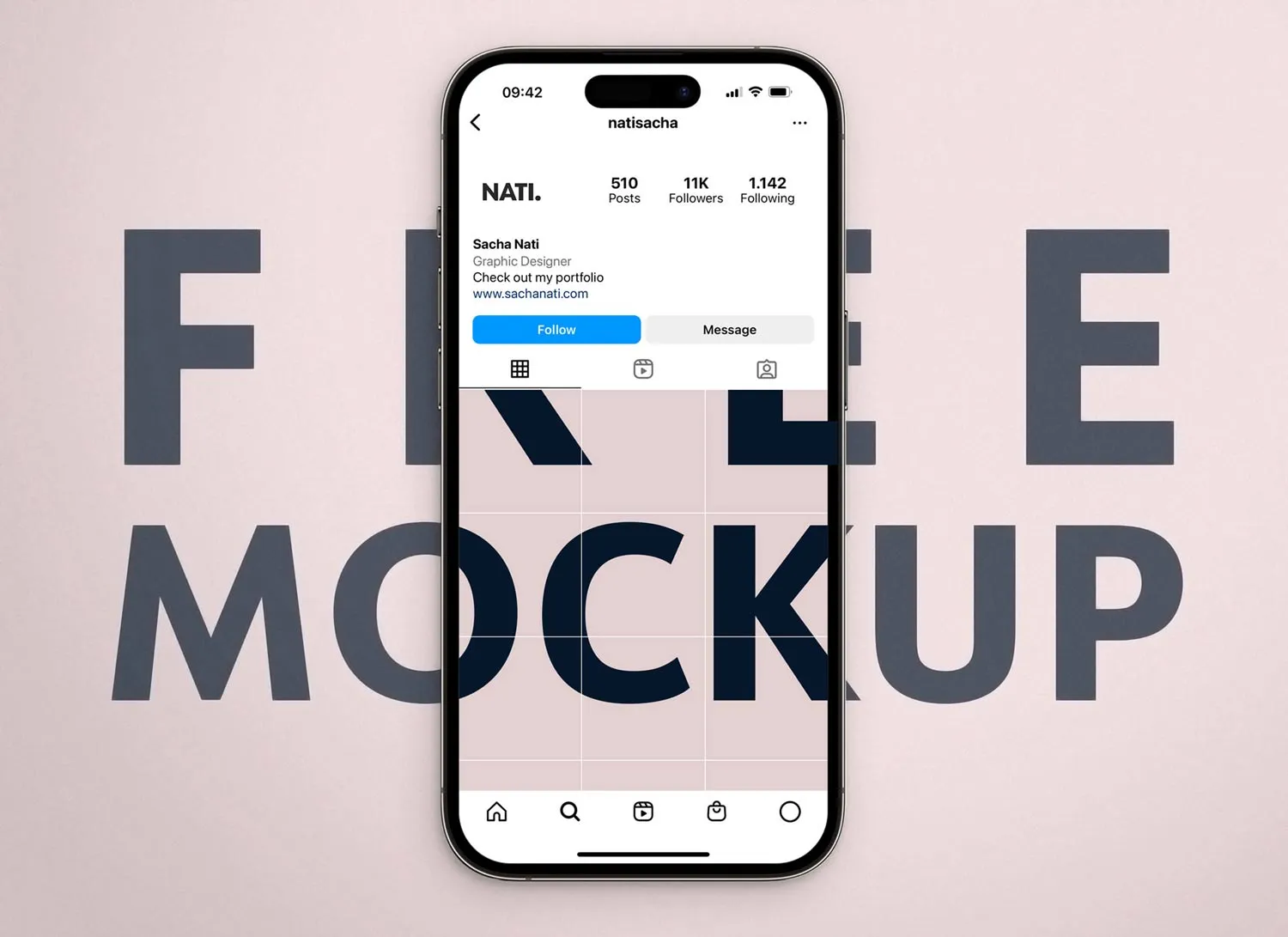
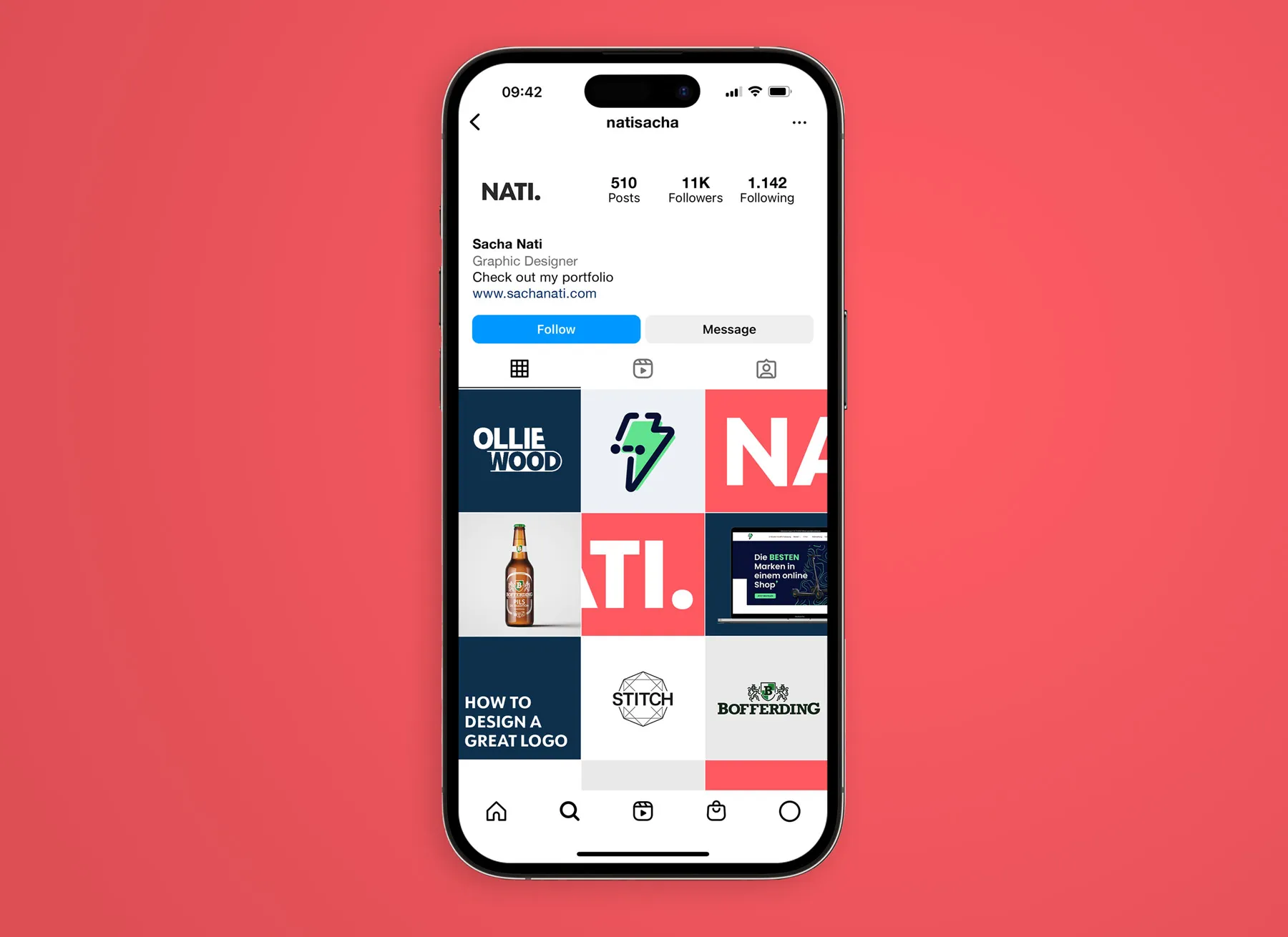
A free, fully customizable, high-resolution PSD mockup of an Instagram profile on an iPhone 14 Pro on a solid background.
Choose between light or dark mode, customize the profile name and description, and add personalized posts. Ideal for presenting brand logos in a social media context or visualizing an Instagram layout planner. The background can also be turned transparent.
Adobe Photoshop is required to edit this PSD mockup.
How to use
- 1
Download and open the PSD file. Since this mockup offers light and dark mode, disable the layer you don't need by clicking its eye icon.
- 2
Double-click on the thumbnail of the layer named [DOUBLE CLICK]. This opens the smart object. Edit profile information using the type tool.
- 3
To edit the profile picture and posts, double-click their thumbnails and add your designs. Save all opened smart objects before closing.
- 4
Return to the initial file, where all designs should be updated. Export your custom Instagram profile mockup.
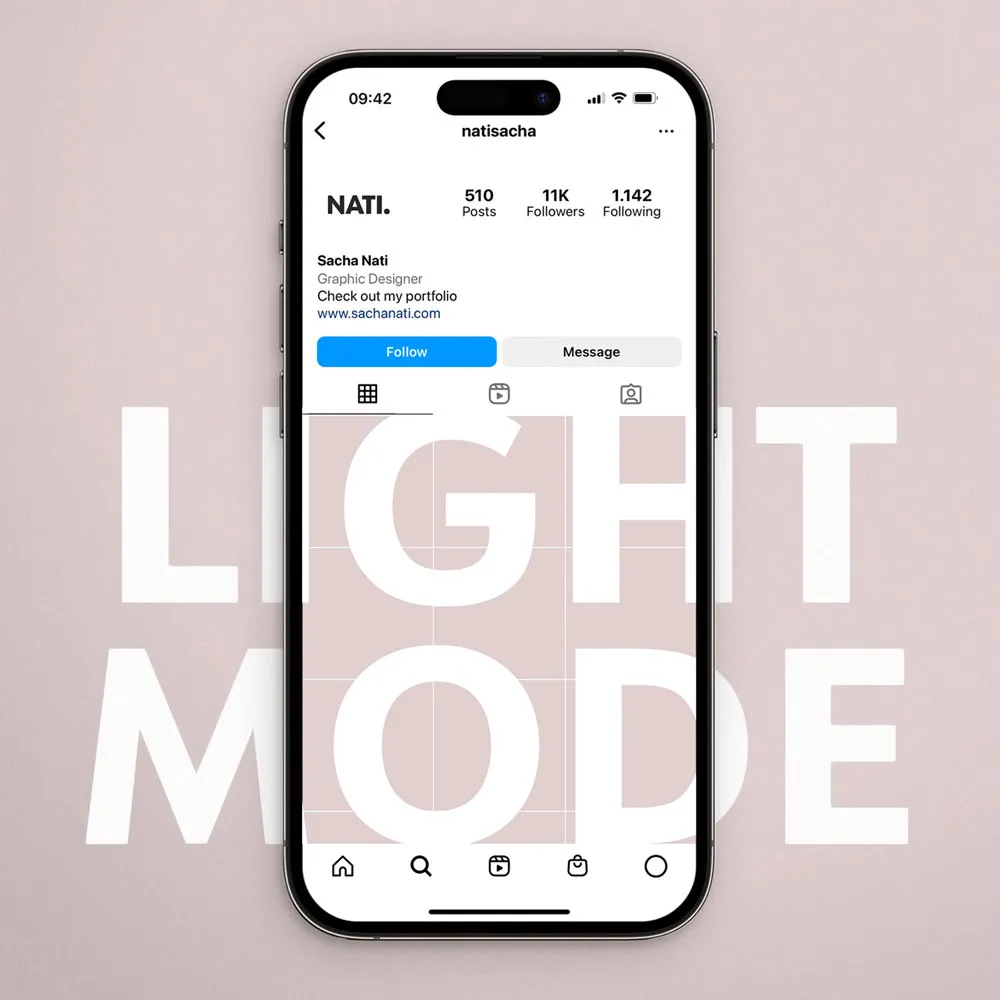
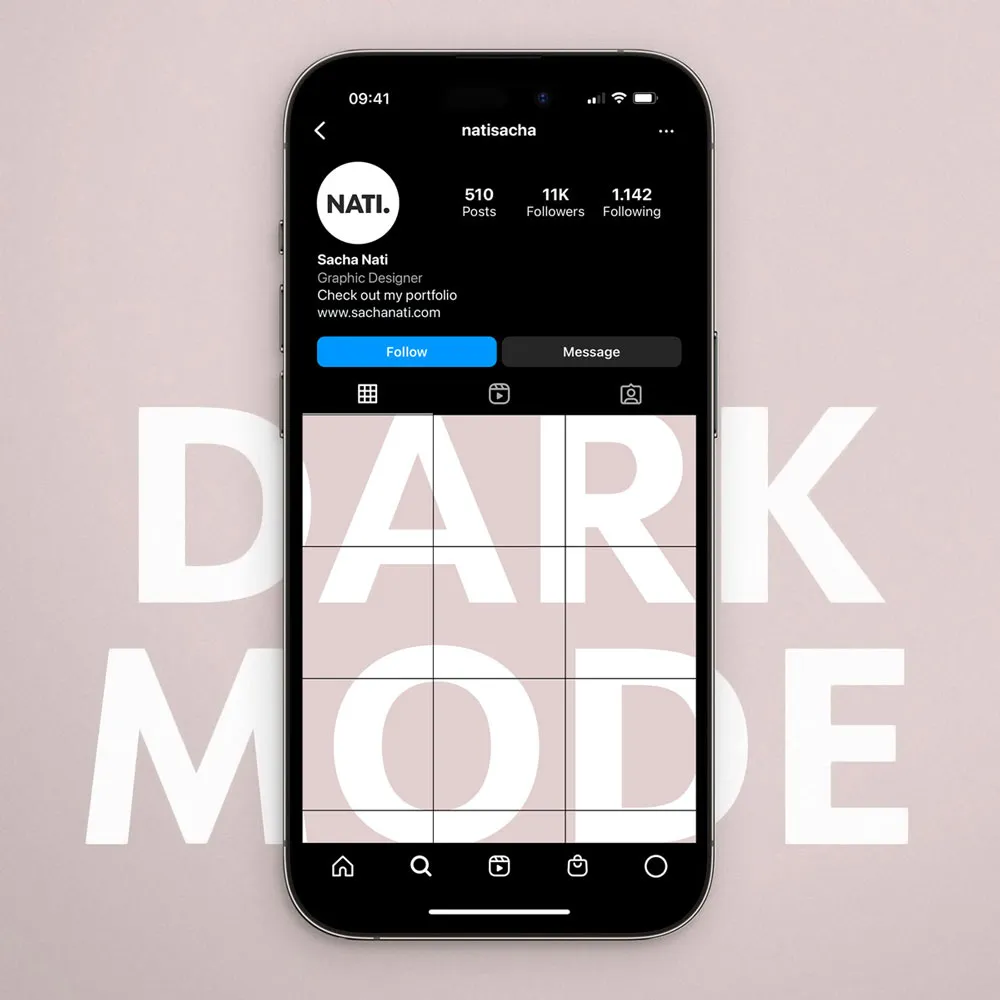
Light & Dark mode
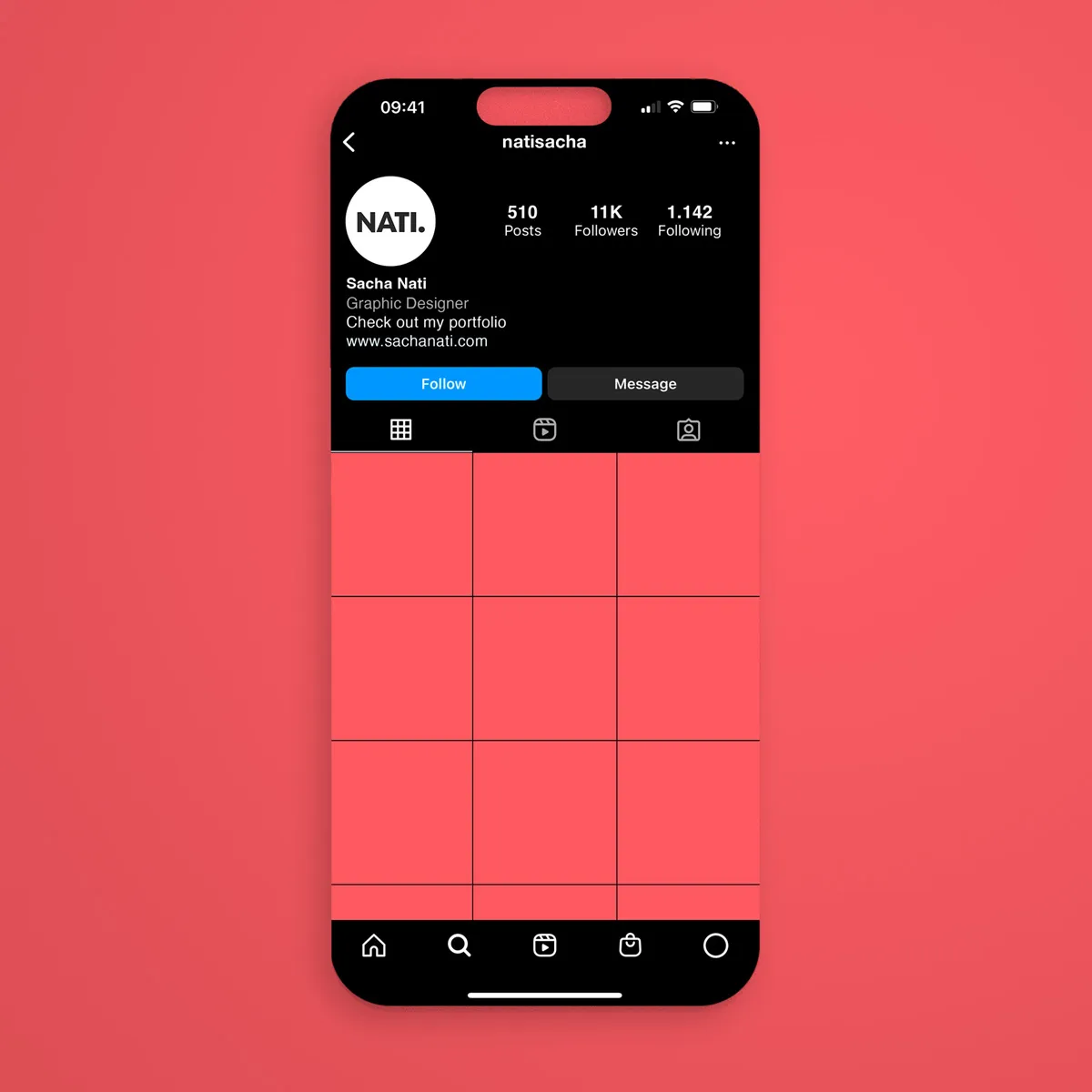
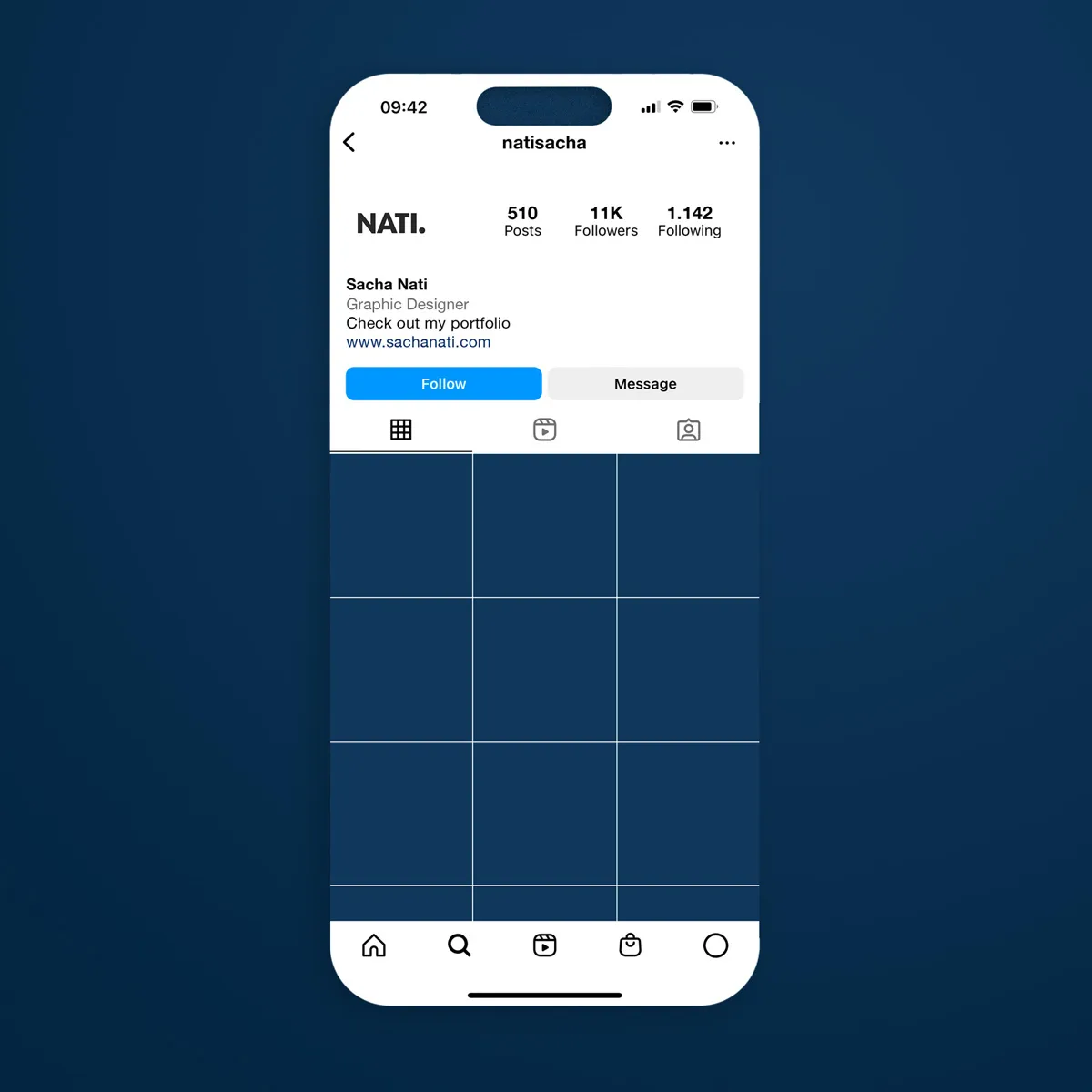
This free mockup gives you the option to choose light or dark mode to display your Instagram profile page. Simply select one layer and disable the other.
Fully customizable
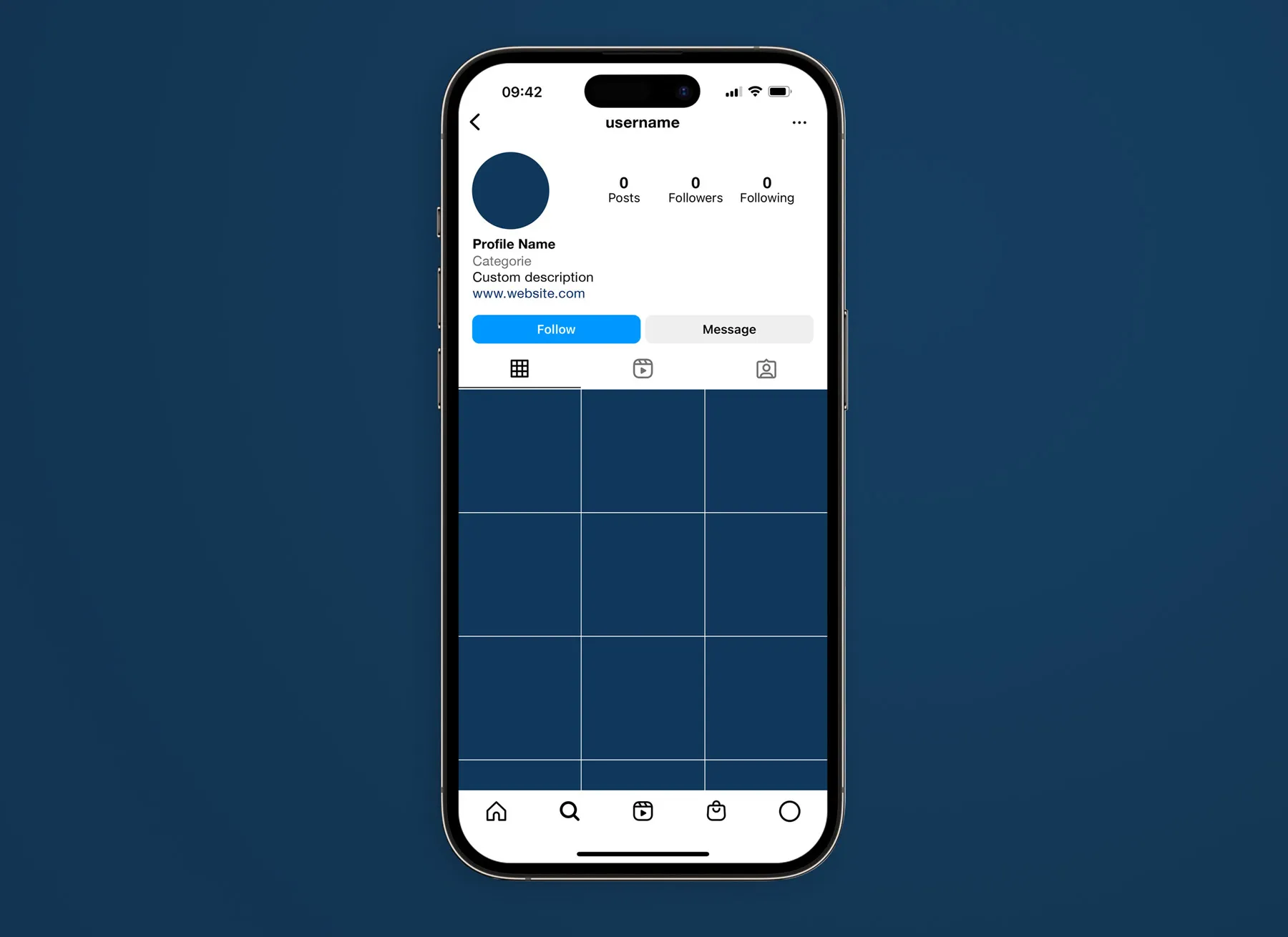
Add your profile picture, name, category, profile description, number of posts, followers, and following count, and view your posts. Smart objects make it easy to add your images.
Screen only
If you want to display your Instagram profile in a more minimal and reduced style, you can also hide the iPhone and display only the screen.
Download for free
Photoshop PSD file
Free for personal, non-commercial use. Contact contact@sachanati.com for commercial licenses.
By downloading this file, you confirm that you have read and agree to the license agreement.