Urban Poster Wall PSD Mockup
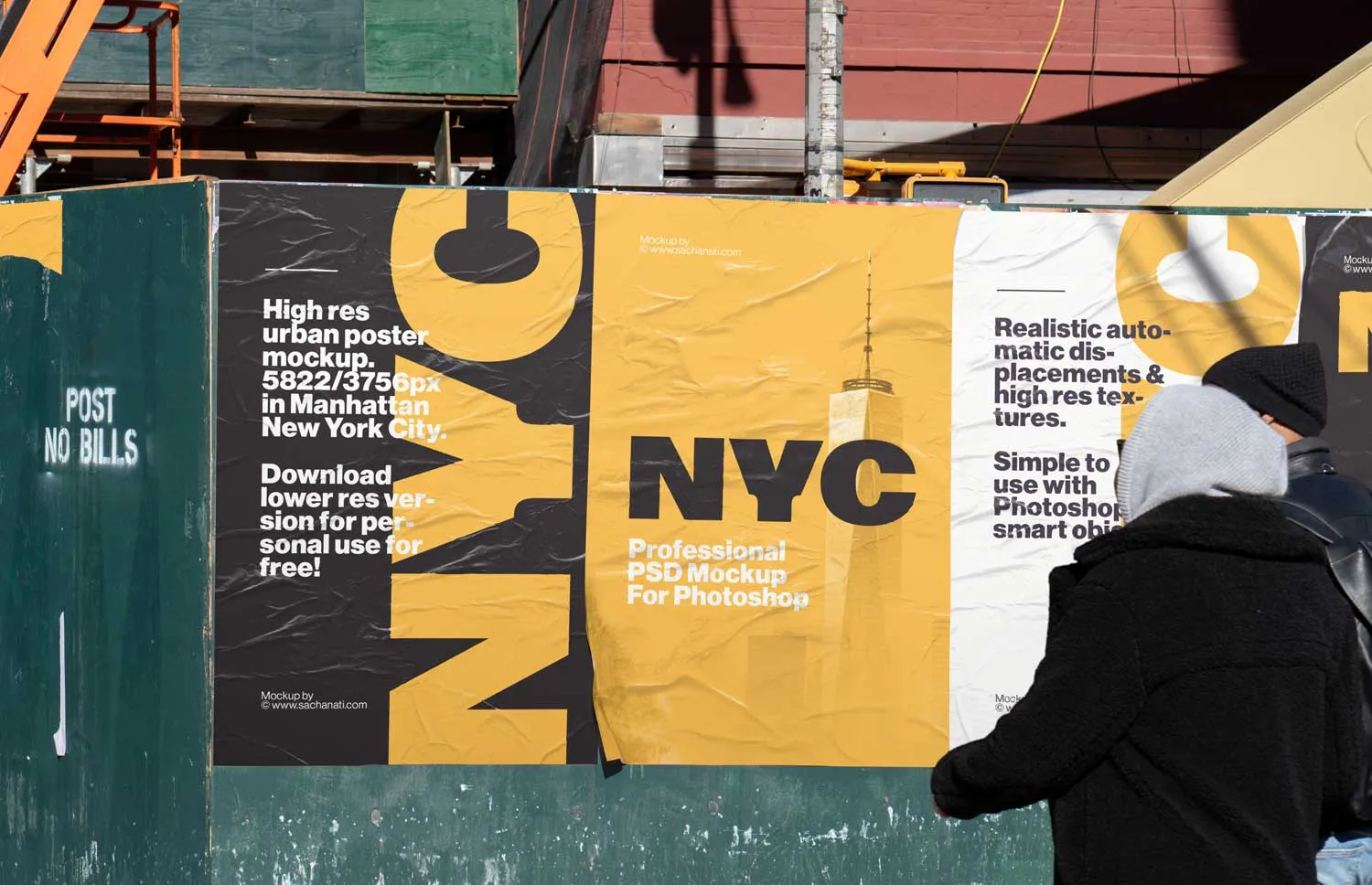
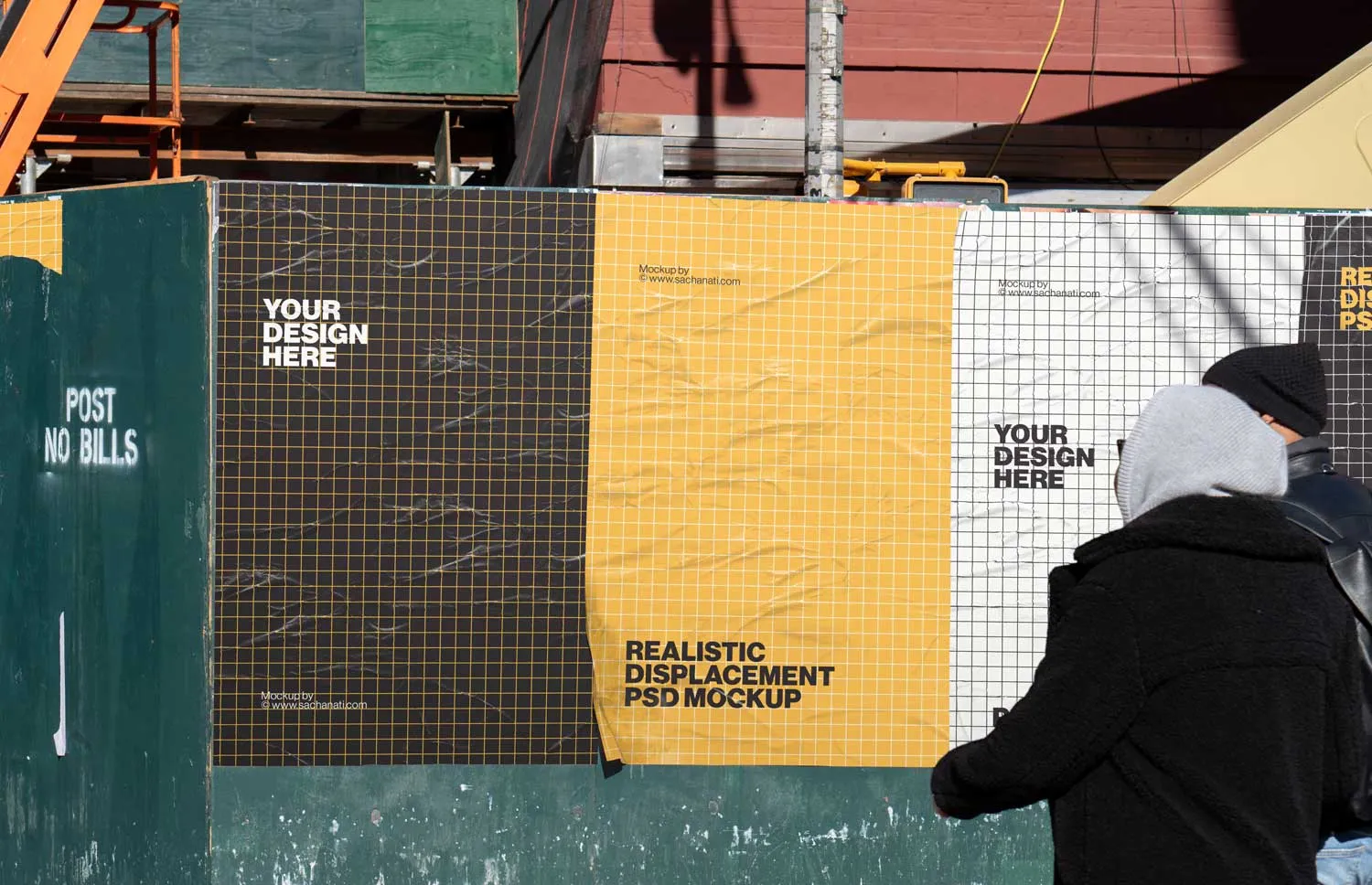
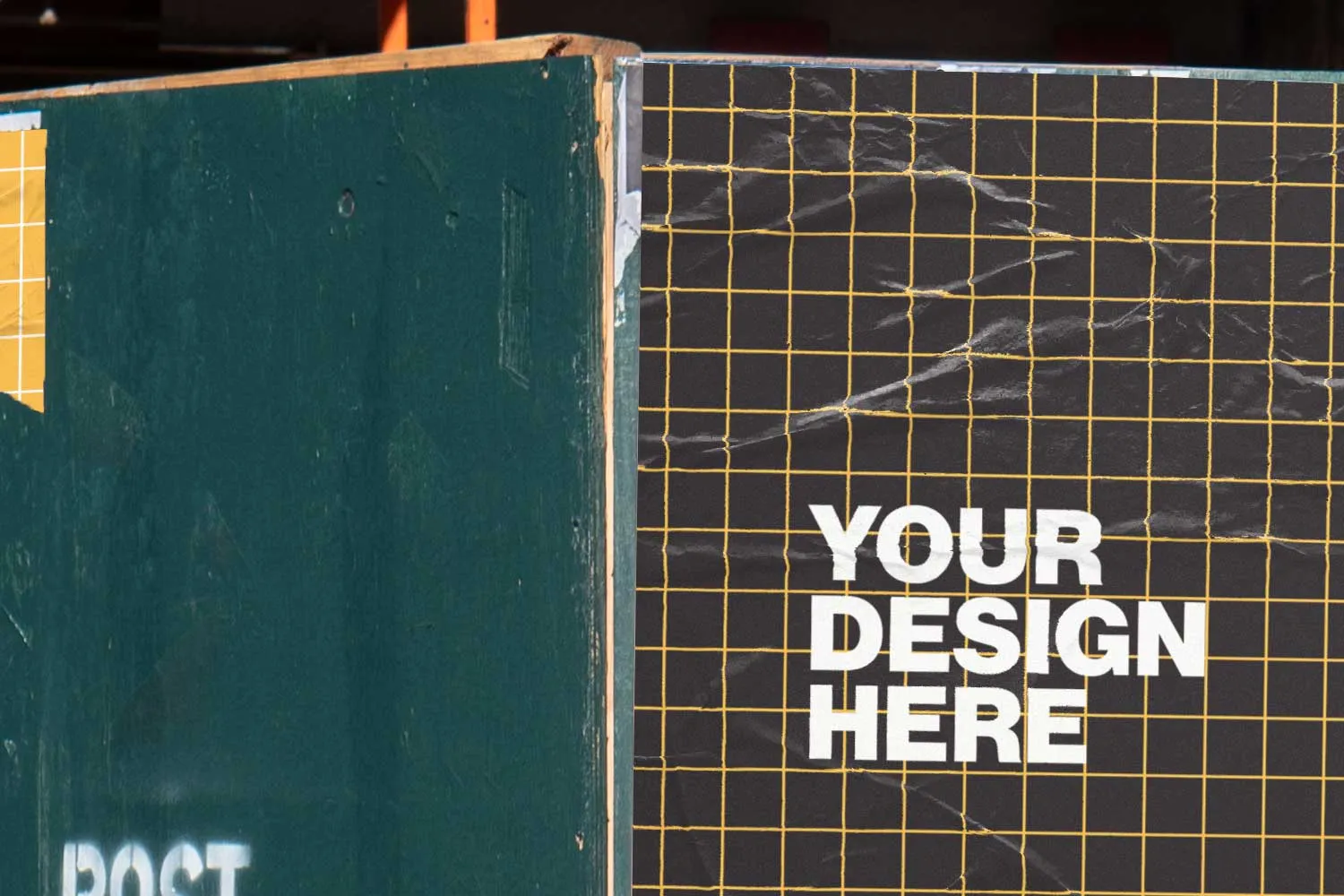
A high resolution Photoshop PSD mockup of four different posters, glued side by side to a construction wall in the middle of Manhattan, New York City. Two men standing in front are looking at the posters, and the camera shot adds an authentic street photography look.
Display your posters in an authentic urban city environment, adding roughness through realistic textures and displacements.
Adobe Photoshop is required. Use it to display posters, advertisements, banners, or signs in an urban city setting.
How to use
- 1
Download and open the PSD file. You will find the mockup ready to be customized.
- 2
Double-click on the thumbnail of the poster you want to edit, named [DOUBLE CLICK]. The smart objects are linked and will update automatically. Paste your own design and save the smart object before closing.
- 3
Return to the initial file, where the poster is automatically updated with your design. Depending on the colors you use, you can adapt the brightness and glow effects.
- 4
Export your image displaying your poster designs glued to a construction wall in the vivid urban city of New York.
Simple use with Smart Objects
Through the use of smart objects, adding your designs to this mockup is as easy as dragging an image. In seconds your designs will be displayed in a photorealistic urban environment in the middle of Manhattan.
High resolution & realistic displacements
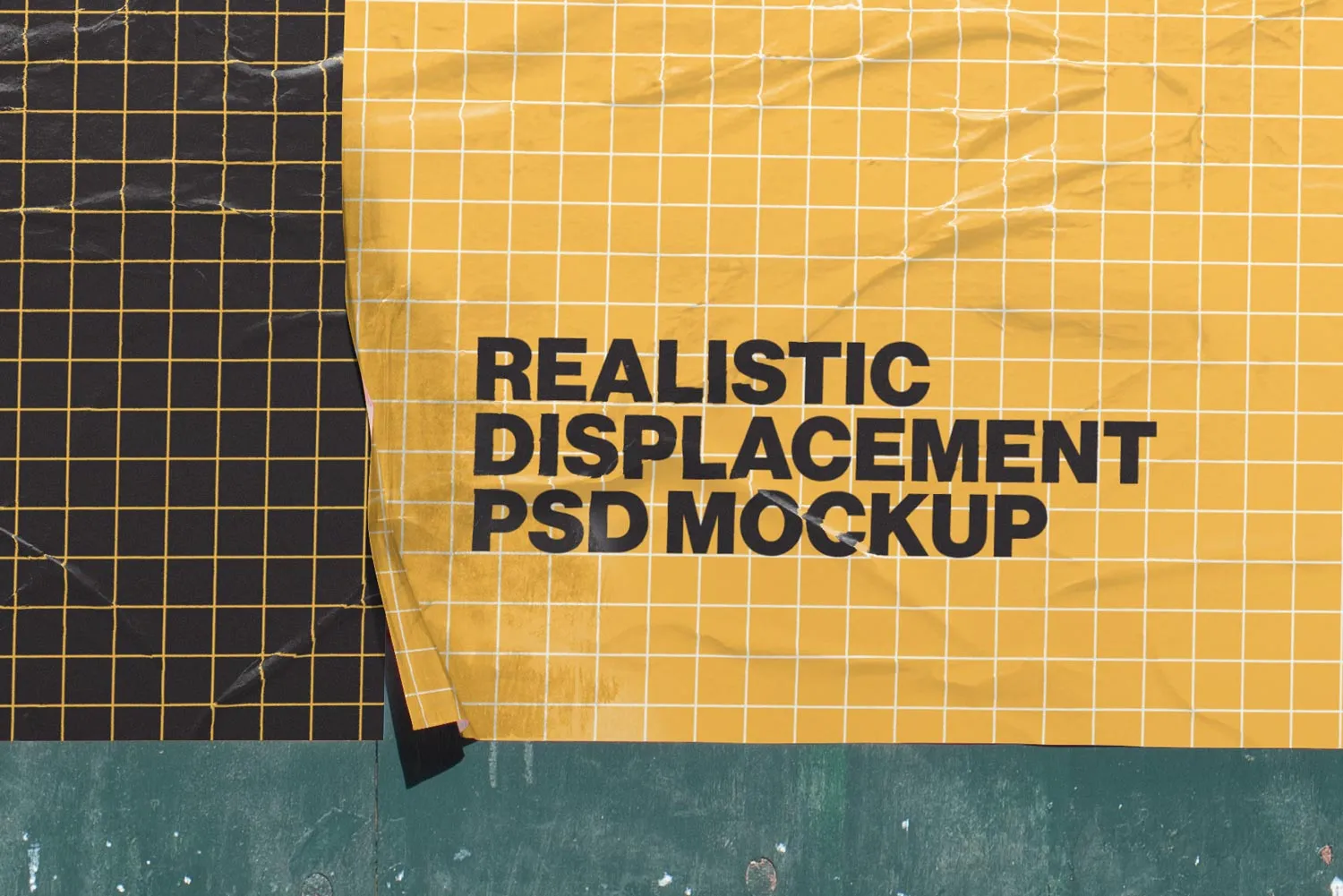
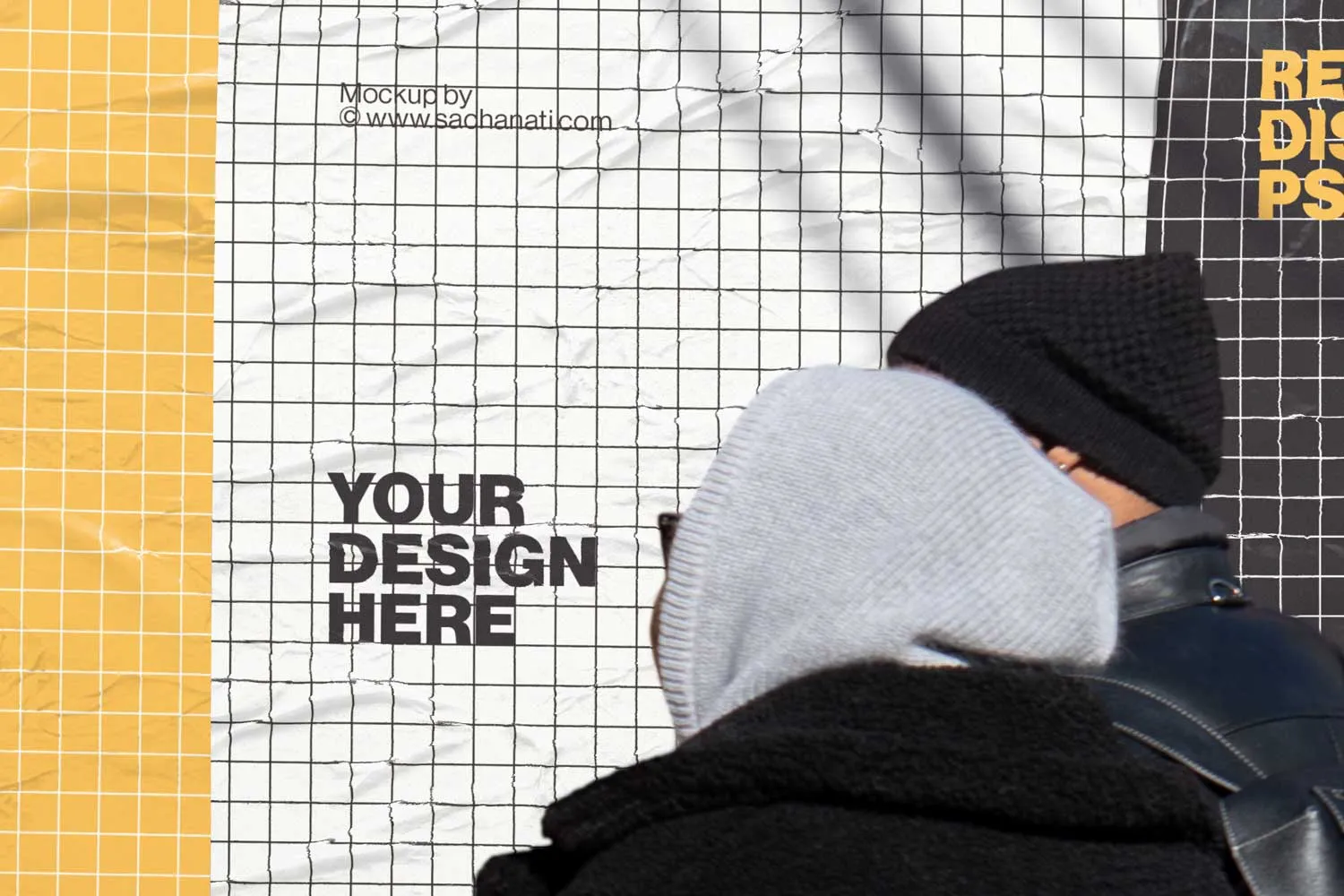
This Photoshop mockup lets you display your poster designs in a very high resolution at 5822 × 3756 px, with realistic automatic displacements applied through smart objects. Your designs are adapted to the texture and wrinkles of the posters for even higher quality.
Download for free
Photoshop PSD file, 5822×3756 px
Free for personal, non-commercial use. Contact contact@sachanati.com for commercial licenses.
By downloading this file, you confirm that you have read and agree to the license agreement.